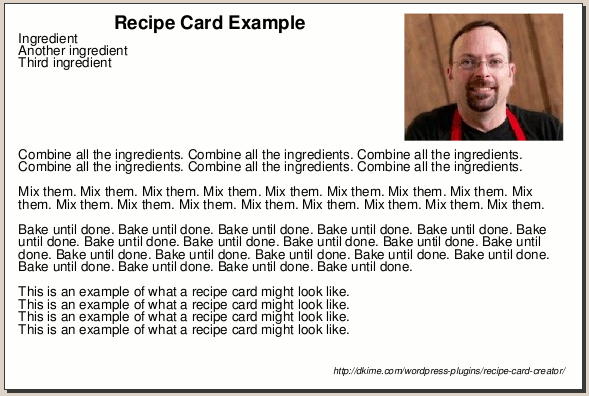
Based on a request from one of the users, I just updated the Recipe Card Creator plugin to include “branding”, a text string you can configure to automatically appear at the lower-right corner of each card. This can include the name of your blog, a URL, whatever text you want to include. Here’s an example:
I got these as pdfs, and while there is something to be said for it, I am imagining its harder to print as a specific size, like, say, a 4×6 card size. The recipes I have taken off your other site (out of the 4 I have found of yours) I have not tried to print yet, but I will likely be converting to pictures or write docs which I will then have to re-formulate using print and other programs. These are good, if you want 8x11s though. Yeah, just checked set up. Right idea, but still comes out on 8x10s…
Usually when you try to print a PDF the default setting is to zoom the image to fit the page size. The 4×6 size fits really well on 8½ x 11, but you can set the options to not zoom and they should come out at the “right” size.